From HTTP
The built-in From HTTP component provides a simple framework for creating a web service endpoint in Iguana to receive and handle HTTP requests.
Follow the steps below to import and try it out in your Iguana:
STEP 1: Import the From HTTP component
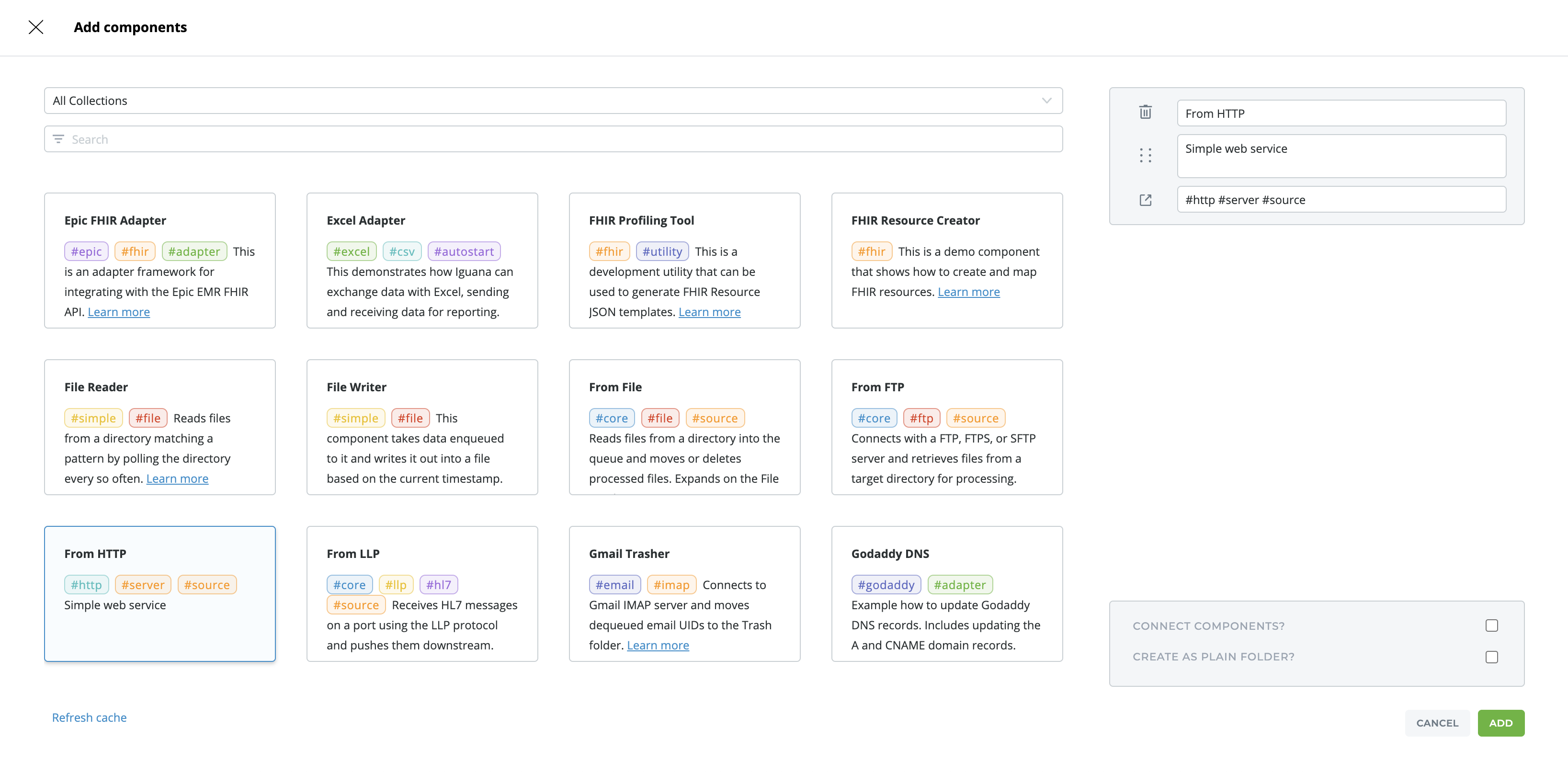
If you cannot find the From HTTP component, make sure your Git Cache is up to date. Use the Refresh Cache link at the bottom of the screen. Wait a few minutes and then you should be able to see everything again.
STEP 2: Run the component
Your component should closely resemble the screenshot below. Confirm you are in Development mode, it will be easier to edit and test your changes!
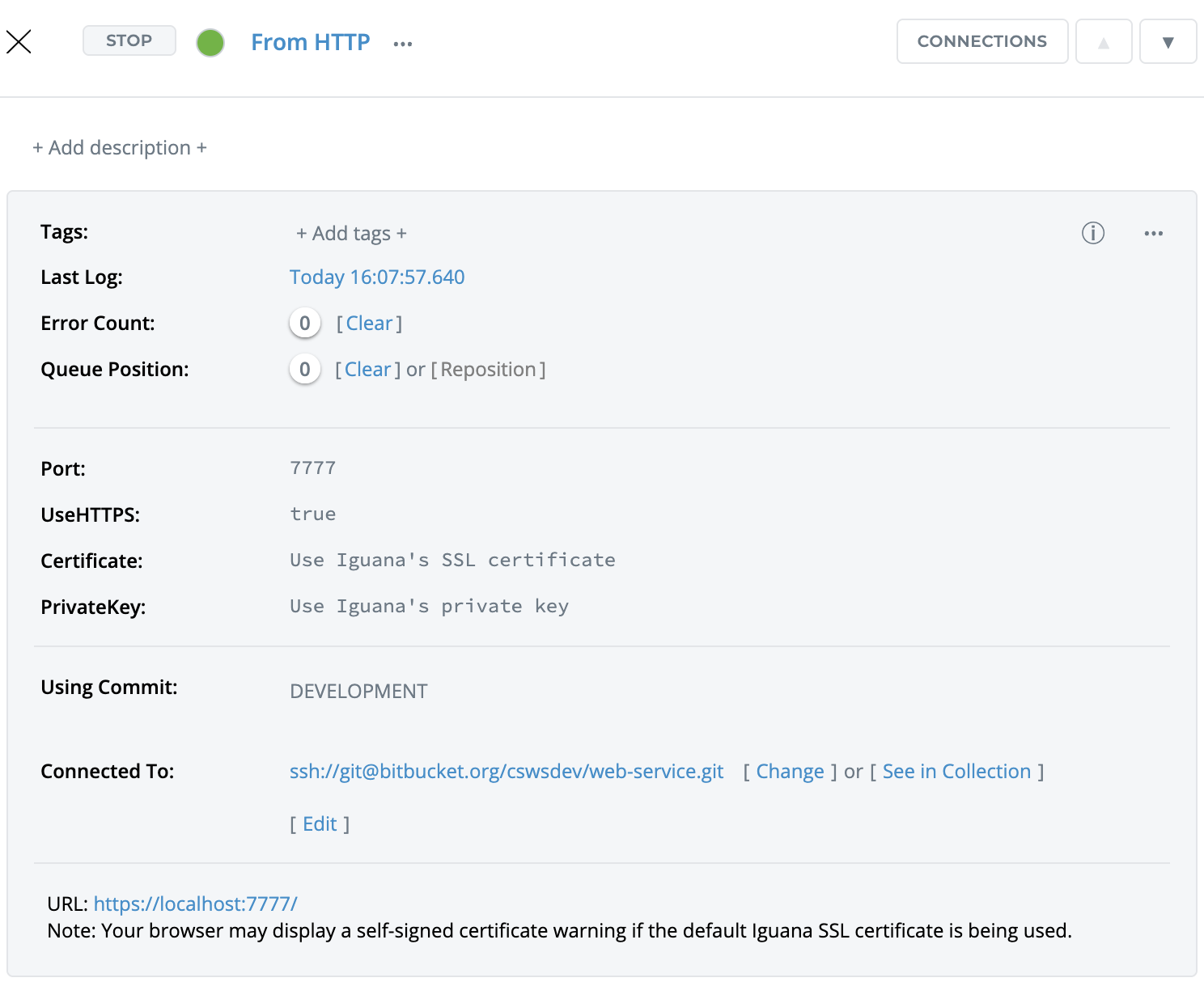
STEP 3: Click on the URL Link http://localhost:7777/ and use the interface
-
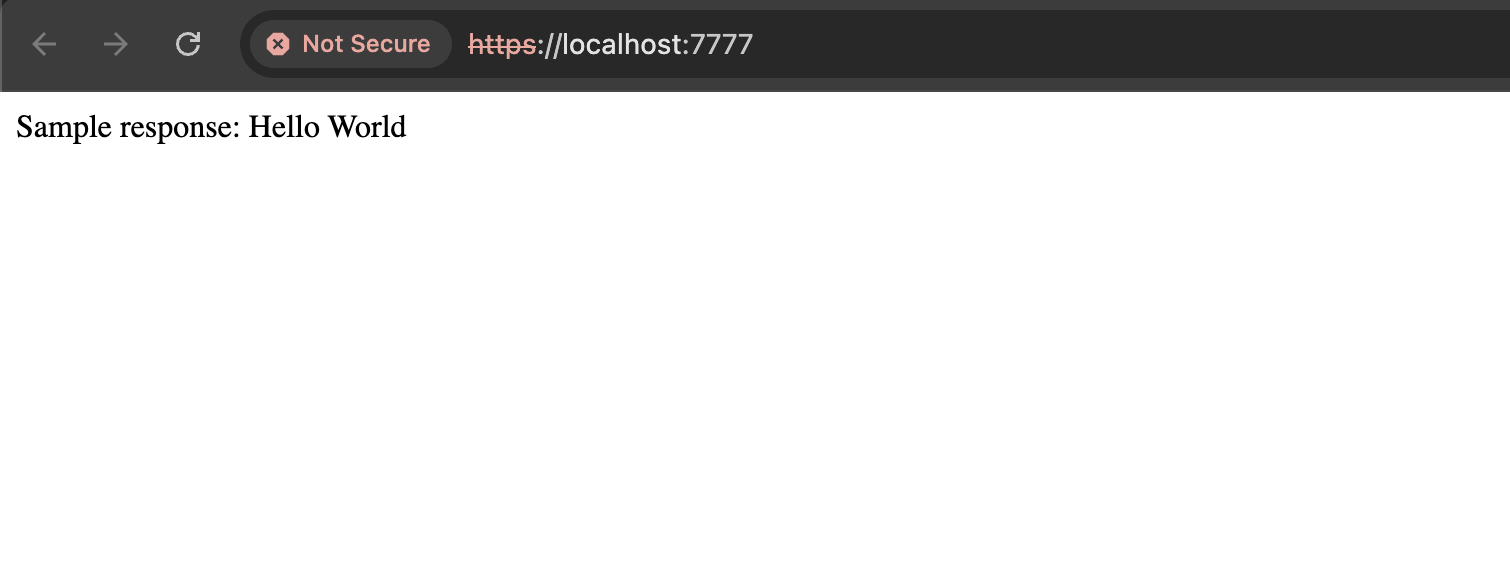
Click on the URL Link http://localhost:7777/. If your Iguana instance is running remotely you may need to replace localhost with the public IP address instead.
-
You'll see something like this:
STEP 4: Now open up the Translator to look at the source code
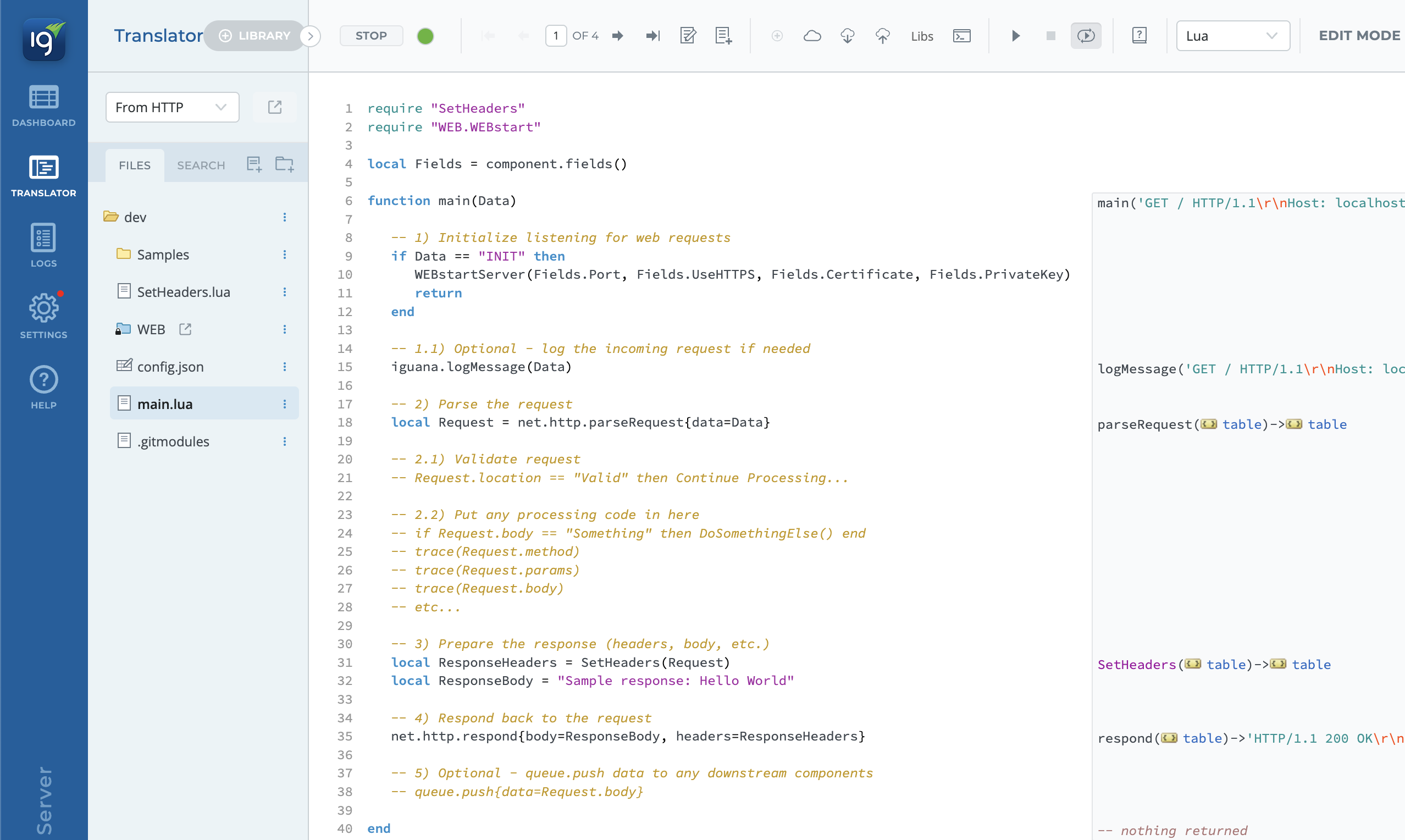
Your Translator should look something like this:
-
Listens for HTTP requests: If you are coming from Iguana v6, notice that in IguanaX, we introduced a new API called
net.http.listen{}which makes it much simpler to port over web service code implemented in Iguana v6. You can see this call inside the WEB library under WEBstart.lua - line 25. -
Parses HTTP request: The data is parsed into an HTTP request object using
net.http.parseRequest(). -
Builds and sends an HTML response: Constructs an HTML response header and a simple “Hello World” body to send back to the client.
STEP 5: Import some sample data
Try adding your own sample data. You can add different types of sample HTTP requests from the Iguana logs. You should see a screen like this:
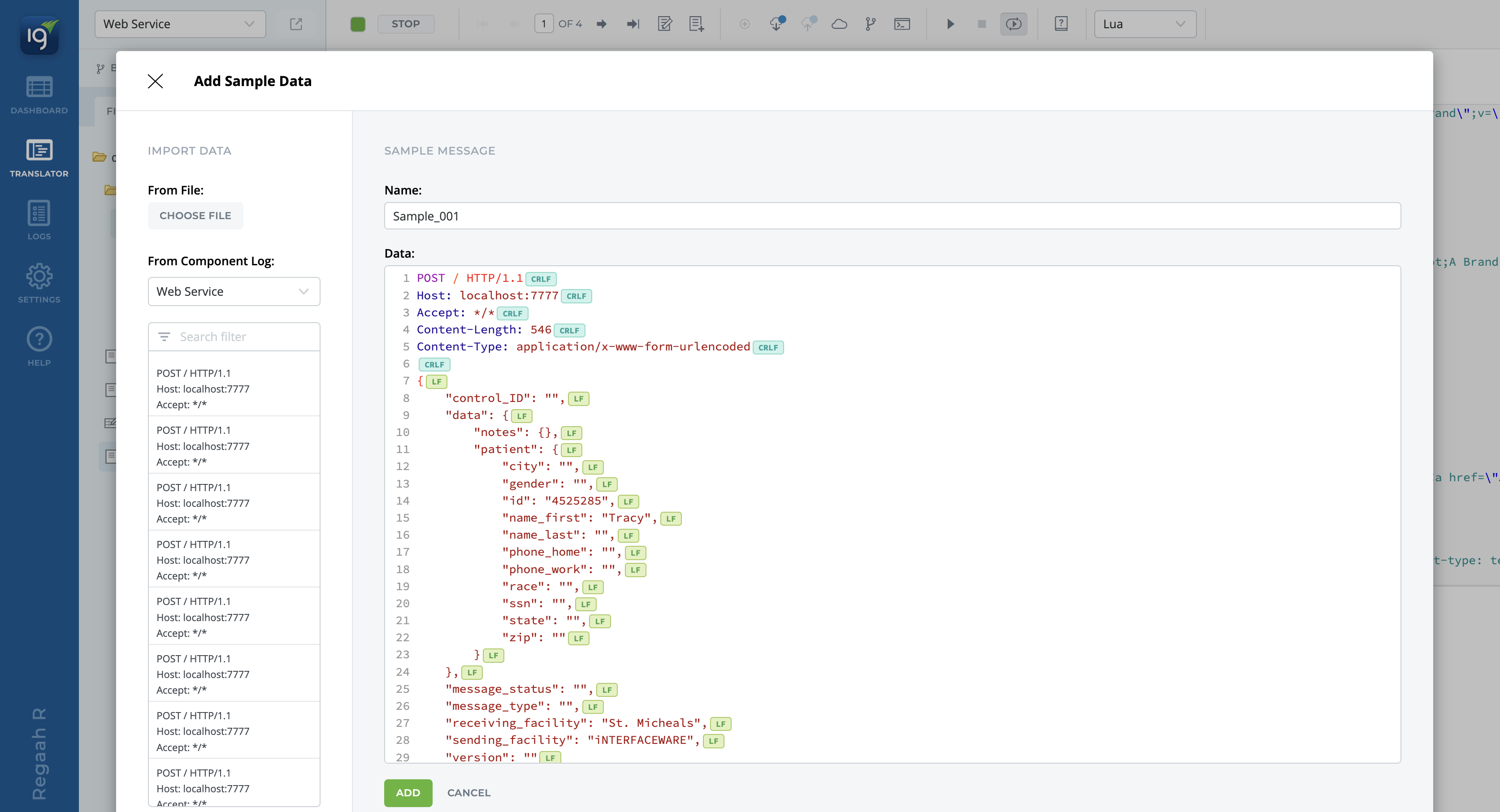
This way you can test how your web service handles different types of requests!