Components Updater Tool
Overview
The Components Update Tool is an Iguana component that performs bulk updates for multiple components in one run. It supports two update modes:
1. Commit Update
Sets each tagged component to the commit currently tracked by its branch (e.g. main or master). Use when components are running from a specific commit rather than development code.
2. Dev Update
Runs git pull for each tagged component's development folder. Use when components are using the DEVELOPMENT commit and you want the latest code in the component and its libraries.
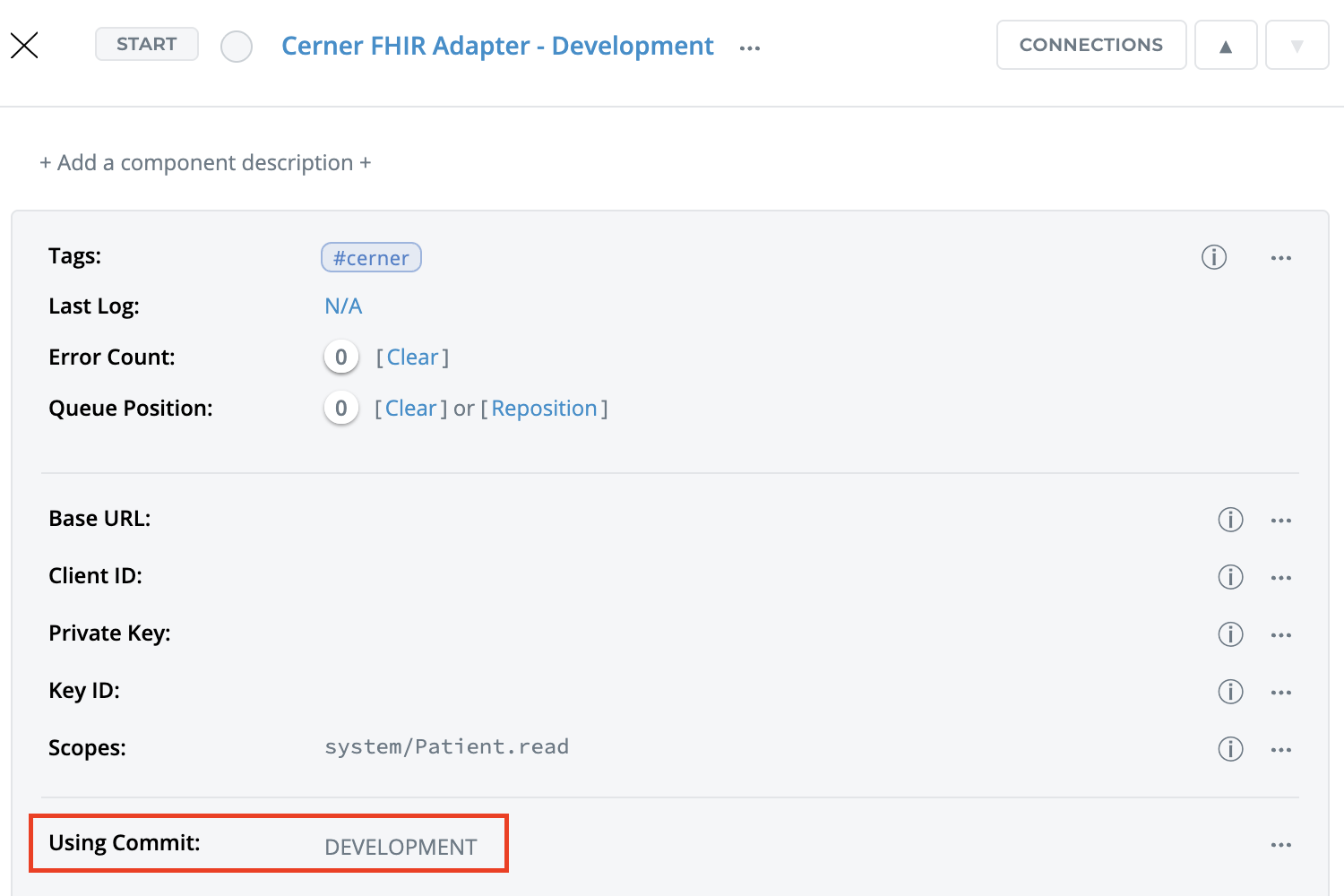
The tool selects which components to update by tag. Only components that have the configured tag are processed. For each component, the tool decides the update mode automatically based on whether DEVELOPMENT commit is selected or not.
Running the Component
STEP 0: Import the Components Updater Tool component
Using +COMPONENT, import the Components Updater Tool component.
STEP 1: Setup the Tag configuration for your components
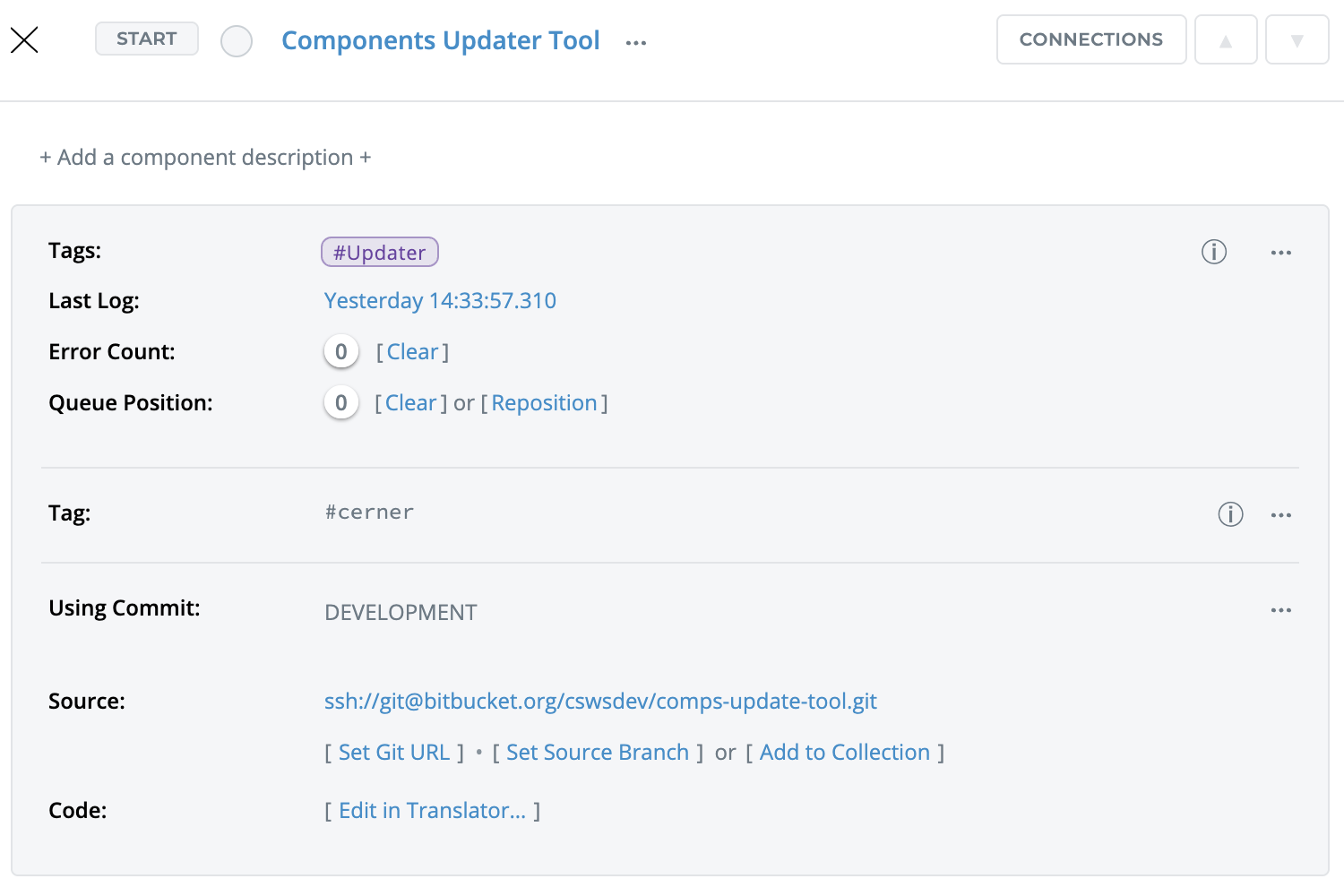
If you use development mode and want to pull the latest libraries, unlock the Library folder for those components so git pull can update them. If libraries are locked, only the component's own dev code may be updated.
STEP 3: Start the component and check the logs for the results
