Components Transfer Tool
The Components Transfer Tool enables the transfer of IguanaX components between IguanaX instances in the event Deploying Interfaces via Git is not an option. It exports components to a local folder, which can then be packaged, shared with other instances, and imported as needed.
Components can be imported and exported in mass via tags. It is highly recommended to utilize a shared network location to share the repository between two IguanaX instances for easier updating between instances.
Running the Component
STEP 0: Import the Components Transfer Tool component
Using +COMPONENT, import the Components Transfer Tool component.
Exporting Components
STEP 1: Setup the component configurations for exporting
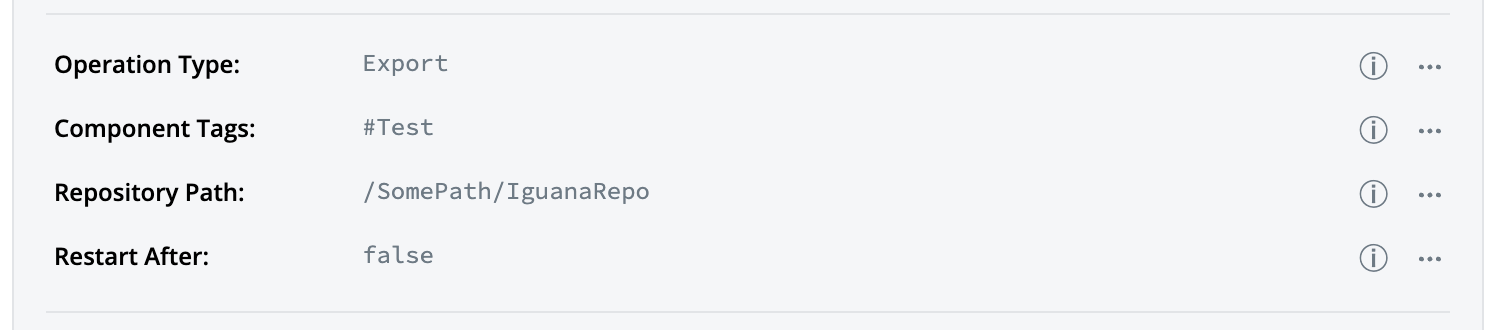
Field | Value |
|---|---|
Operation Type | Export |
Component Tags | A tag of the component(s) you would like to export. |
Repository Path | The path to the folder that you would like to export to. |
Restart After | <Import Only Option> Irrelevant for export. |
If components with the same GUID exist in the repository, then it will overwrite the component on the repo, in other words, it will update the component with the latest changes.
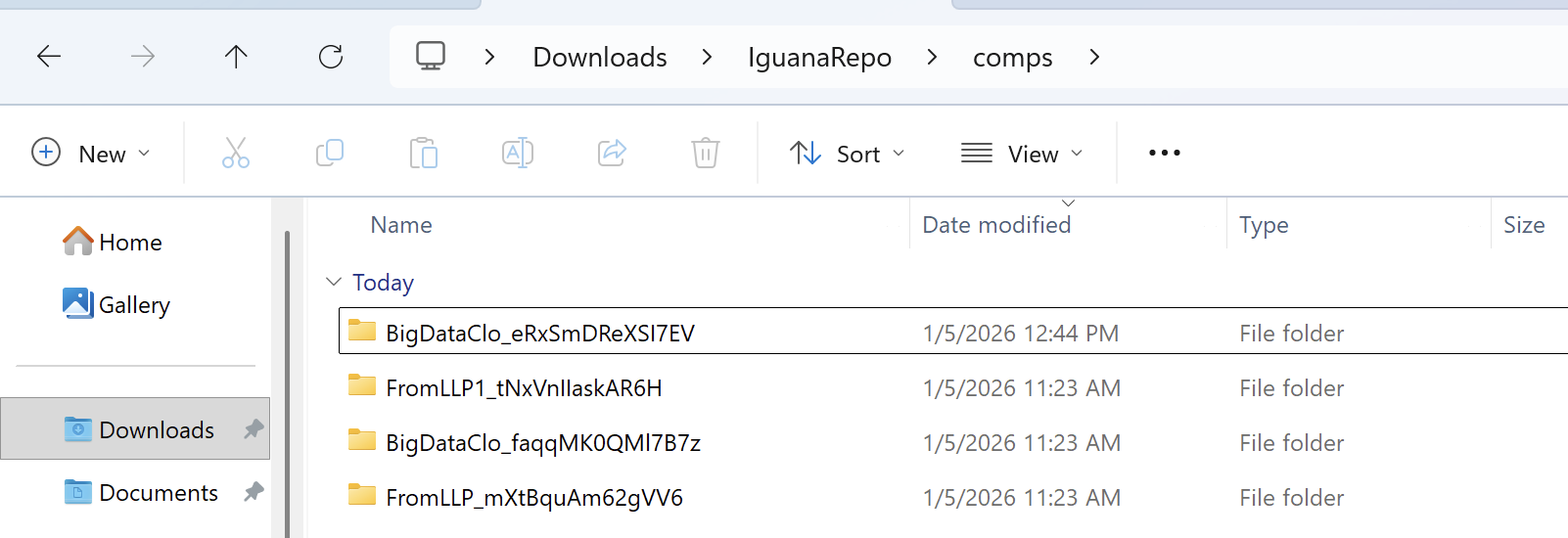
STEP 2: Start the component and check the Repository Path for the newly exported components
Importing Components
Component card values do not carry over when importing a component. You will need to re-enter the values manually or utilize environmental variables.
STEP 1: Setup the component configurations for importing

Field | Value |
|---|---|
Operation Type | Import |
Component Tags | A tag of the component(s) you would like to import. |
Repository Path | The path to the folder that you would like to import from. |
Restart After | Control whether IguanaX should be restarted after the component is done with its operations. True when importing new components to ensure the components register properly. False when importing updates to existing components. |
STEP 2: Start the component and check IguanaX for new components/updates to existing components.
Keep in-mind that if the Restart After configuration was set to true, the Iguana instance will restart. You can check the logs of the Transfer Tool for more information in case of any errors.
Important Considerations
Production Environment Restart
The import operation can automatically restart IguanaX if Restart After is set to true
-
This may not be suitable for production IguanaX instances where downtime must be minimized.
-
Consider testing the import/export process in a development/staging environment first.
Duplicate components
This can happen only if there are two components with the same name but a different GUID on the backend.
To resolve the duplicate, you can simply go into the folder where the components are stored, and delete the older one, you can find out which one is newer by going into the into the project files and seeing if the latest changes you've made are available.
Path Considerations
-
Repository Path should point to the parent directory containing the
compsfolder.-
Correct:
/shared/repo/(where thecompsfolder exists at/shared/repo/comps/). -
Incorrect:
/shared/repo/comps/(pointing directly to the comps folder).
-
-
Ensure the IguanaX service account has read/write permissions to the repository path.
-
For network shared storage, verify connectivity and permissions before running the tool.