Import a Library
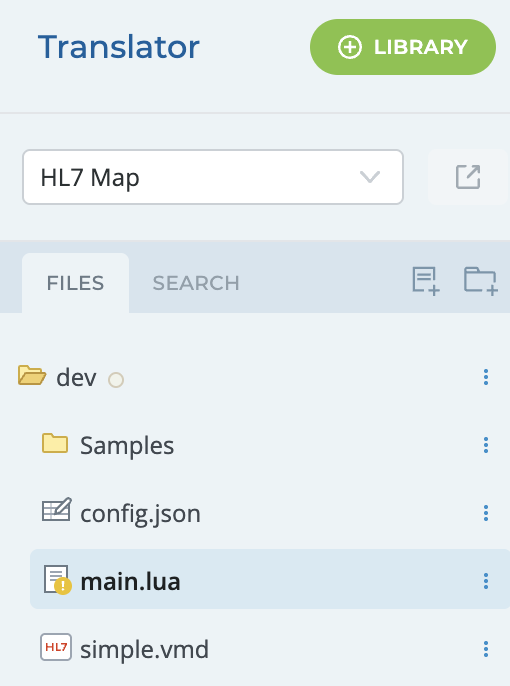
You can import a library in the Translator, using the  button at the top of the Translator - Project Pane.
This will bring up the catalogue of libraries you can import into your projects. Filter by Collection or search for a library name to select the library for import.
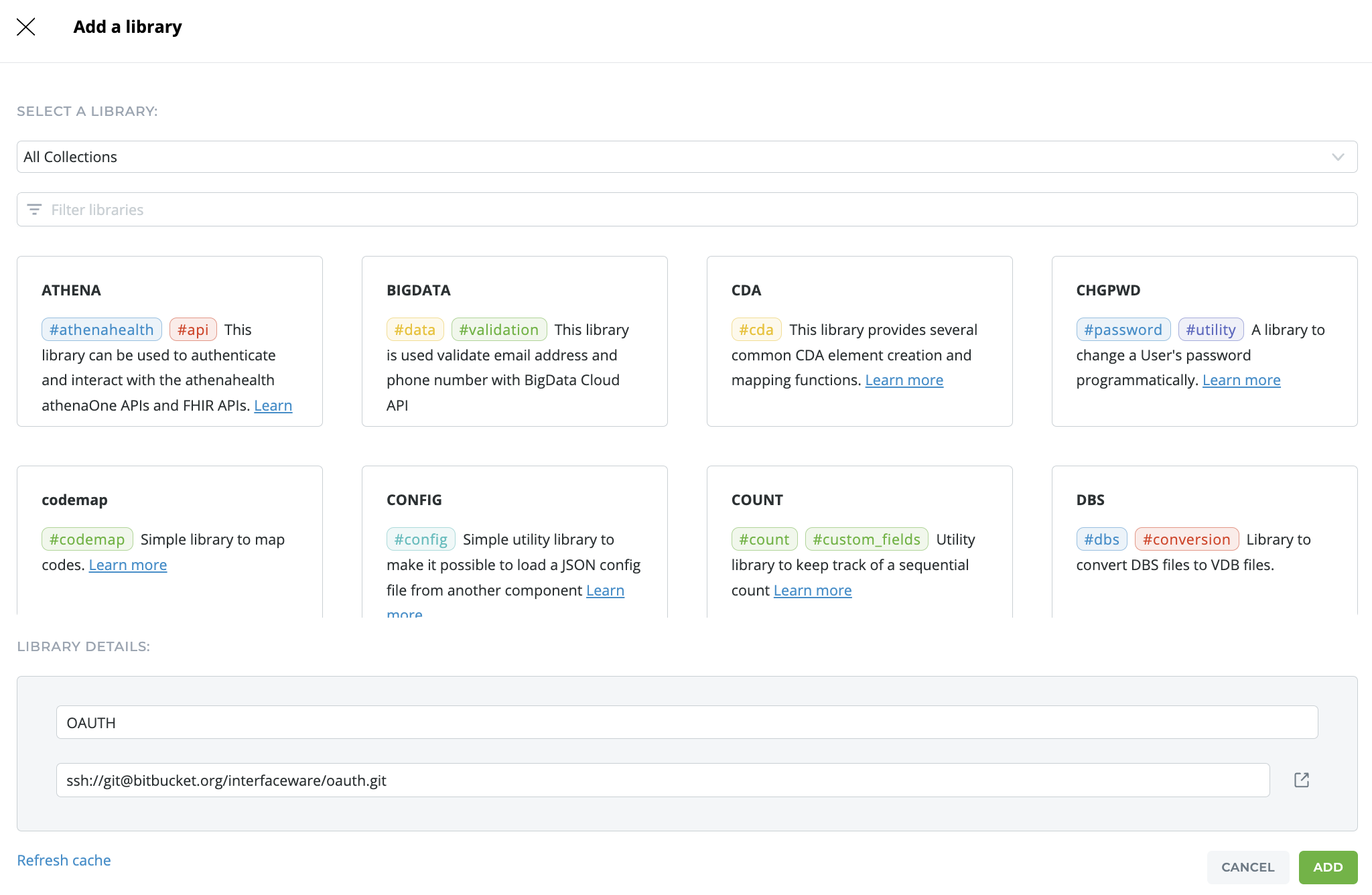
You can find documentation on all of iNTERFACEWARE Libraries by clicking Learn More in the description.
If you are not able to access or find a library in one of your added collections, click Refresh Cache .