Email Sender
The Email Sender component uses the SMTP protocol to send a rich HTML formatted email from the Translator using the SMTP Library. This component includes an example of sending MIME-encoded email attachments, by simply formatting the body of the SMTP message with both MIME headers and encoded attachment contents.
STEP 1: Import the Email Sender component using +Component on the Dashboard
See Create a Component if you need a refresher.
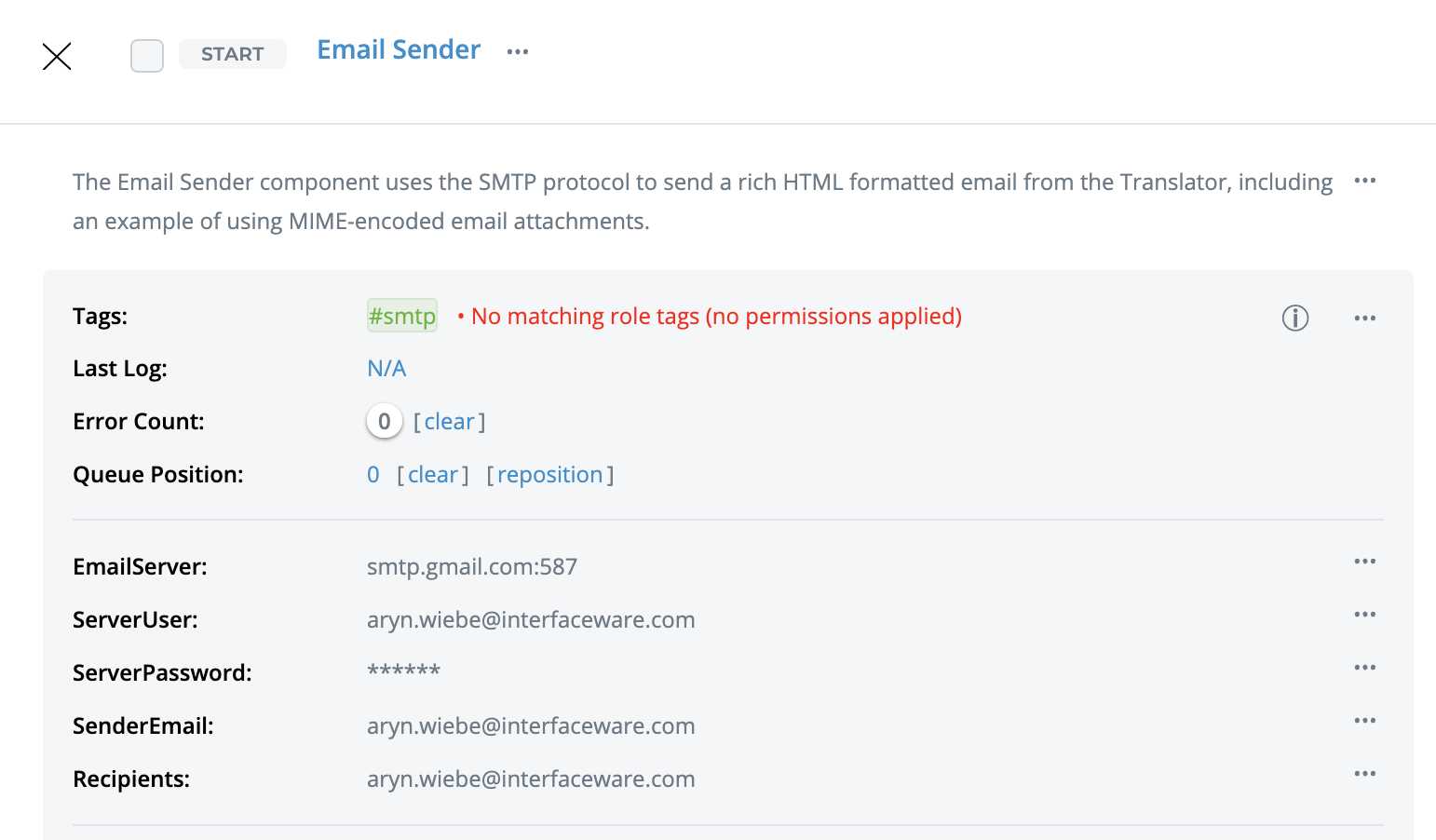
STEP 2: Enter your email credentials and recipients in the component's custom fields
Enter the following custom fields into the component card:
-
EmailServer - by default is set to send from a Gmail smtp server ( smtp.gmail.com:587).
-
EmailUser - set to your smtp server username/email.
-
ServerPassword - set to your smtp server password. For Gmail, with two-factor authentication enabled, the password is required to be an App Password.
-
SenderEmail - Add an email to use for the sender.
-
Recipients - Add the email addresses of one or more recipients. If you want multiple recipients, they must be provided as a comma-separated string.
STEP 3: SMTPsend is set to live in the Translator - check the recipient email to see what you sent!
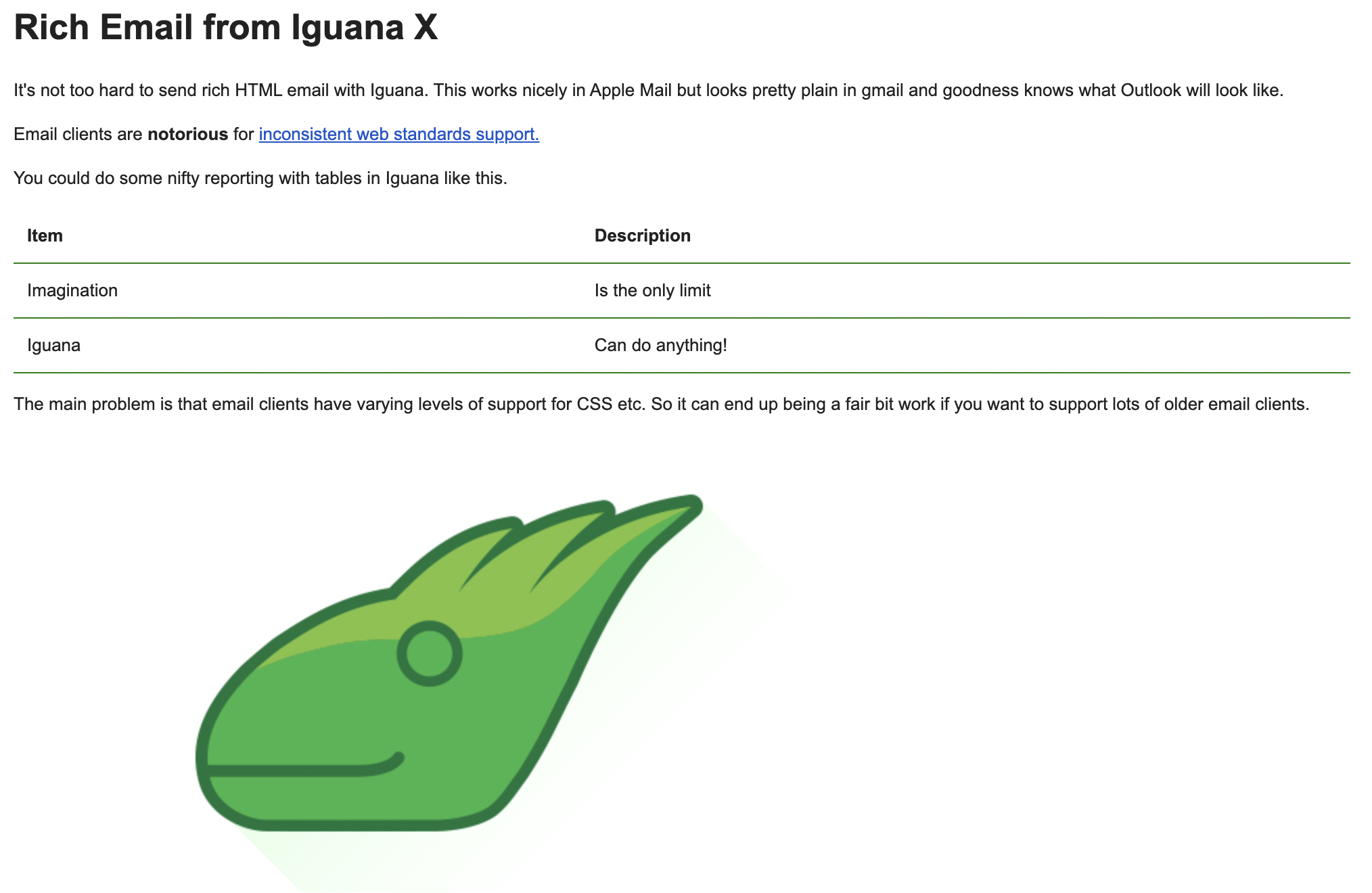
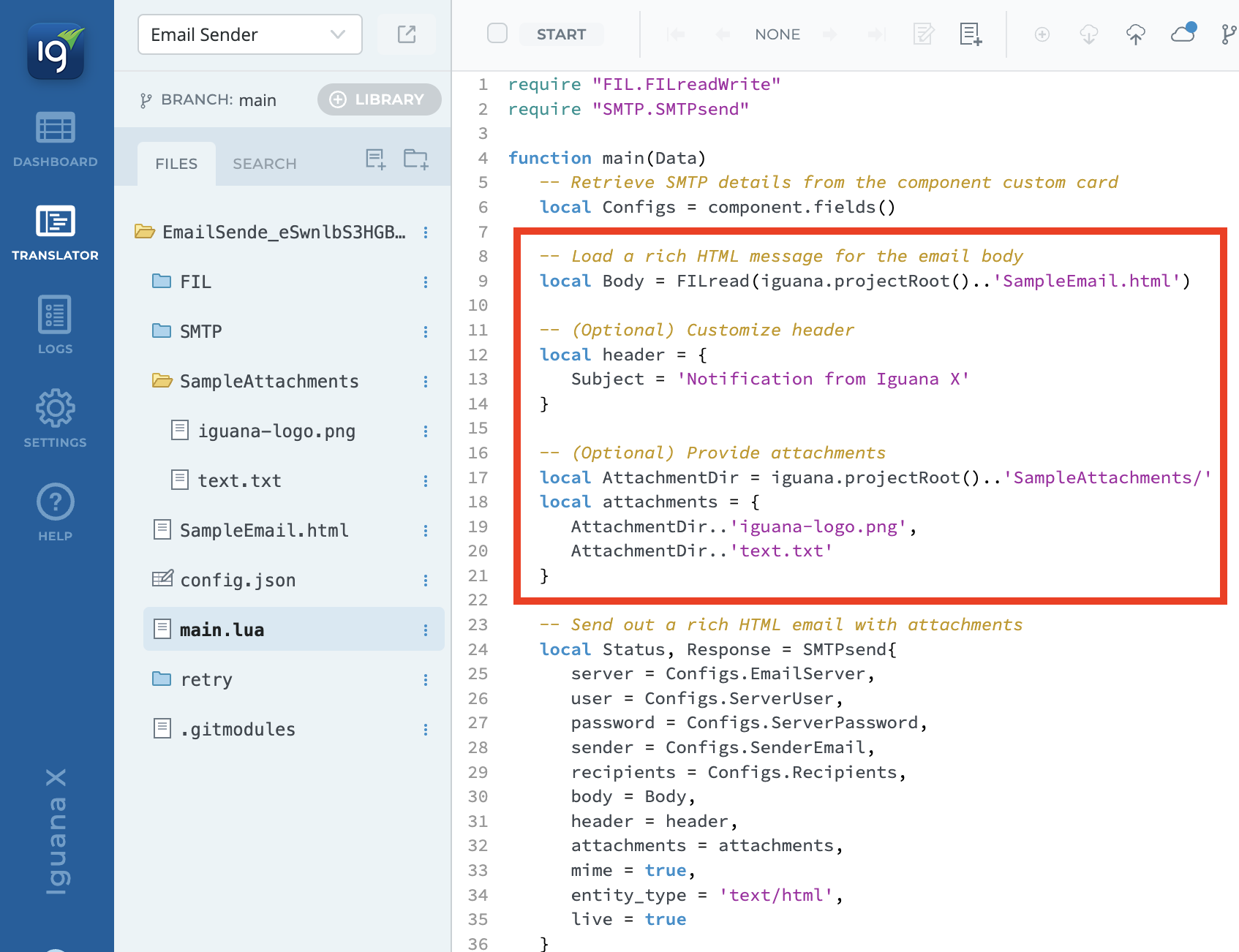
The component is designed to be simple to adapt. The SMTP library takes care of constructing the MIME headers and attachments. By default, the component uses a sample HTML and Iguana logo PNG included in the project. Simply modify the code in main.lua to change the content of your email.
Open the Translator - modify the header, body and attachments
Easily modify the Header, Body and Attachments for your email. SMTPsend takes these values and the configured component custom fields to send the email.