Gmail Trasher
The Gmail Trasher component is a simple component that receives email IDs queued from the Email Filter component and interacts with Gmail using the IMAP protocol (using the IMAP Library) to move the emails to the trash folder.
Set it up:
Import the Gmail Trasher using +Component
See Create a Component if you need a refresher.
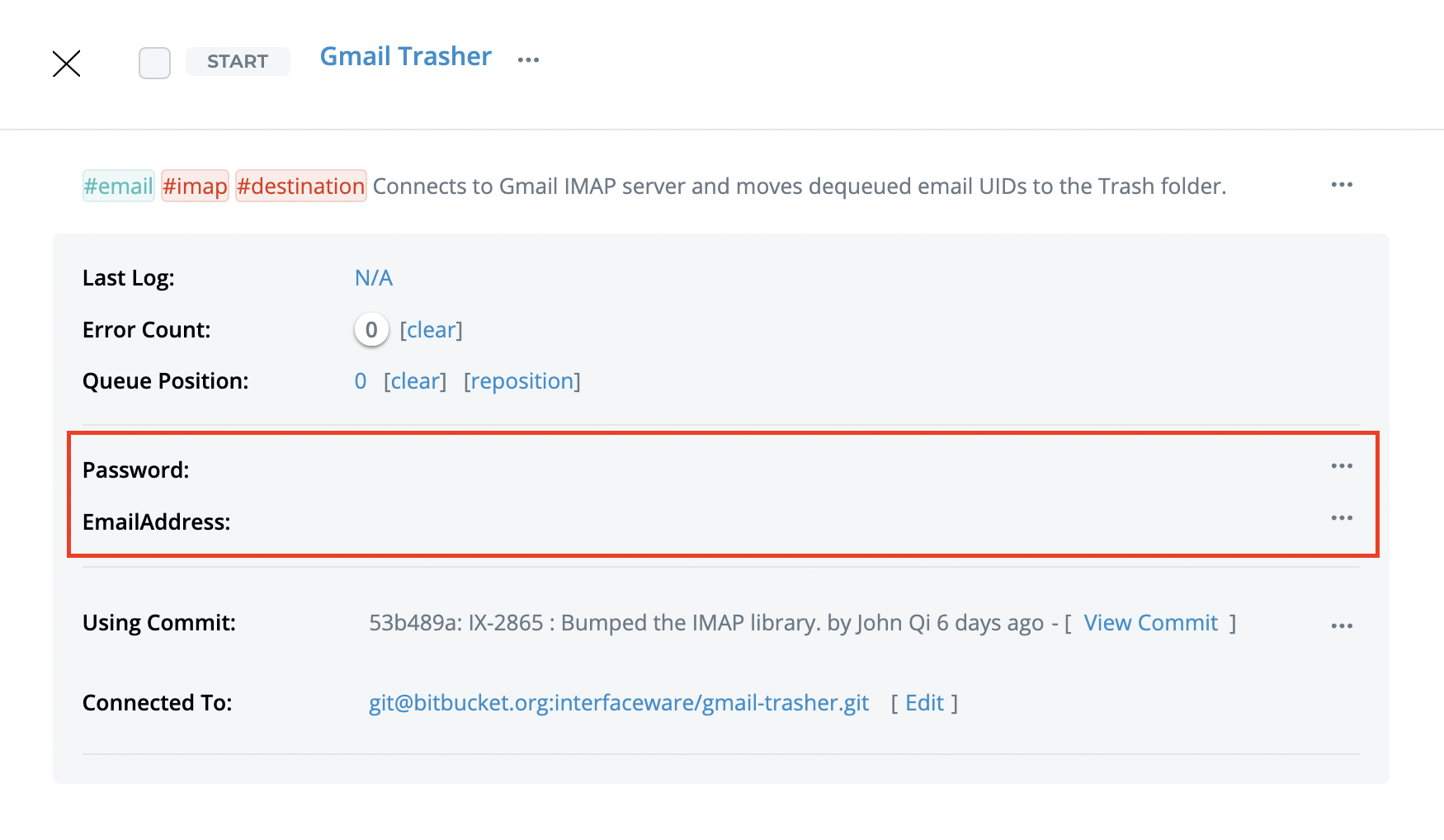
Configure your Email and Gmail App Password in the component card
If you need to setup a Gmail App Password, see the steps in IMAP Email Feed.
Link this component as a destination component
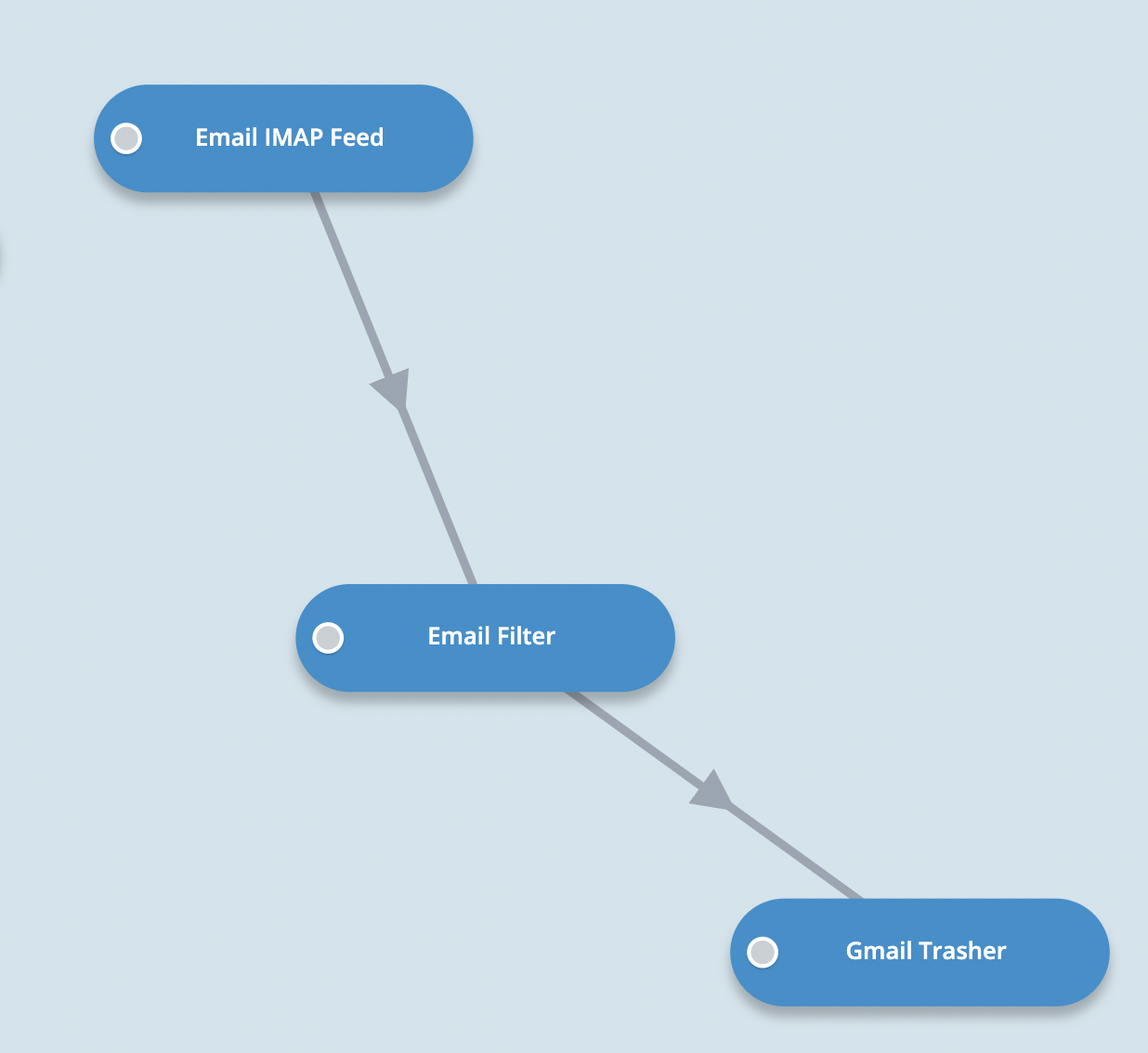
The Gmail Trasher is designed to be a destination component, linked with the IMAP Email Feed (source) and the Email Filter (filter) as upstream components. See Linking components.
Modify the Email Filter logic to filter and queue emails you want to trash
See Email Filter. Remember, email IDs that match a particular criteria are being fed into the queue in order of mail ID (can be thought of as oldest to newest) so choose a filter that will catch non-important old emails to trash.
Run the Email IMAP Feed and Email Filter components and let emails queue up in Gmail Trasher
First run the Email IMAP Feed and Email Filter components and let emails queue up on your Dashboard. Once you queue up a few emails, stop the components.

Now run the Gmail Trasher to process it's queue and move the emails to trash
You should find those emails in Gmail Trash after they have been processed by the Gmail Trasher component. They will be deleted forever by Gmail after 30 days of being in the trash folder.