Datadog Setup
Datadog offers a free trial that can be used to test usage of the Datadog components. Please keep in mind that our team's primary focus and expertise are in Iguana, where we can offer in-depth support and solutions. For detailed troubleshooting or advanced configurations and setups, we would suggest involving Datadog specialists.
To begin setting up Datadog, you will first need to login into Datadog if you are an existing user. Otherwise, you can get started with a free trial. Follow these steps below for how to start a free trial and install the Datadog Agent:
STEP 1: Start a free Datadog trial
Navigate to https://www.datadoghq.com/ and get started with a free trial and register a new account. Complete the registration process and login.
STEP 2: Getting started
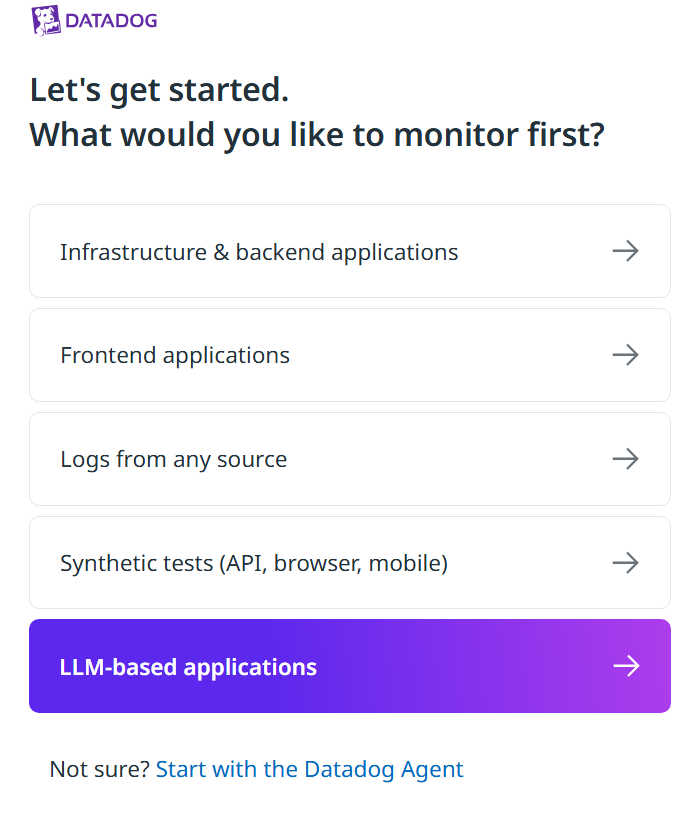
After login, you will be redirected to a new page to get started.
Click on “ Start with the Datadog Agent” at the bottom.
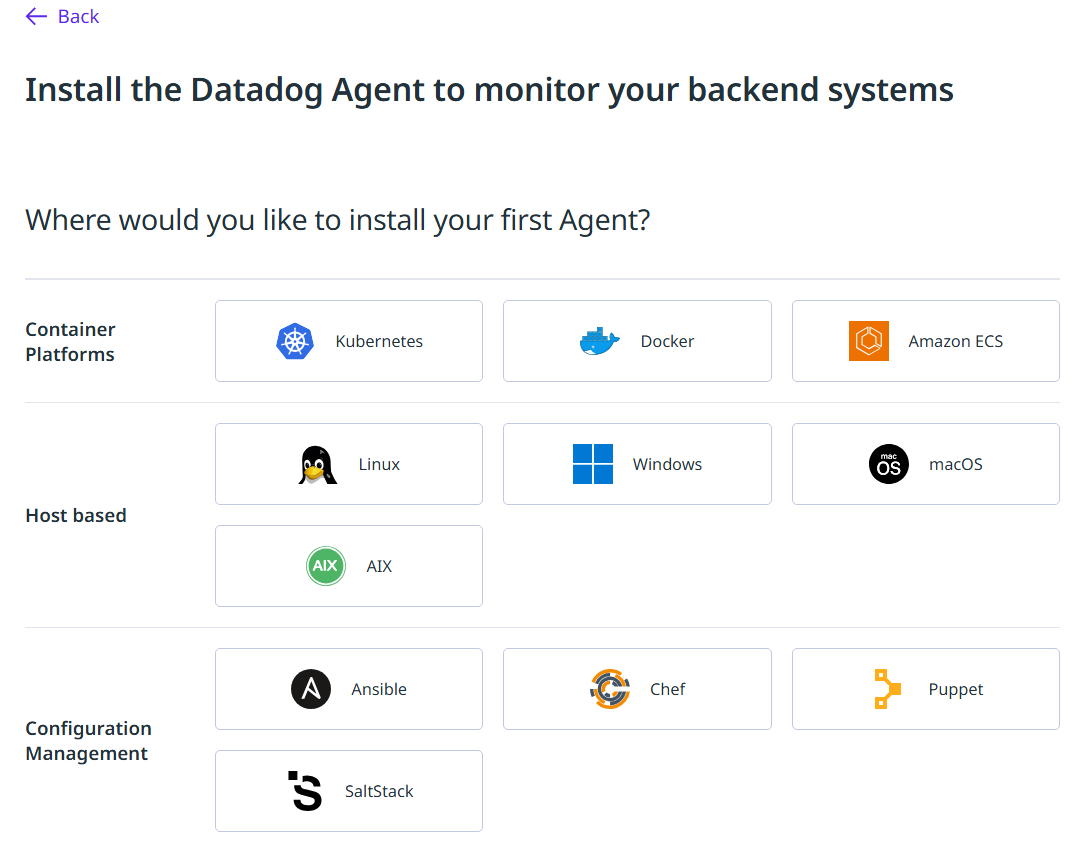
STEP 3: Choose where to install the Datadog Agent
This next step will ask where you want to install the Datadog Agent first. Choose “Host based” if you want to install the Agent directly on a machine or VM, i.e. Windows.
STEP 4: Install the Datadog Agent
Follow the instructions for installing the Datadog Agent. For example, here are the instructions for installing with a Powershell command.
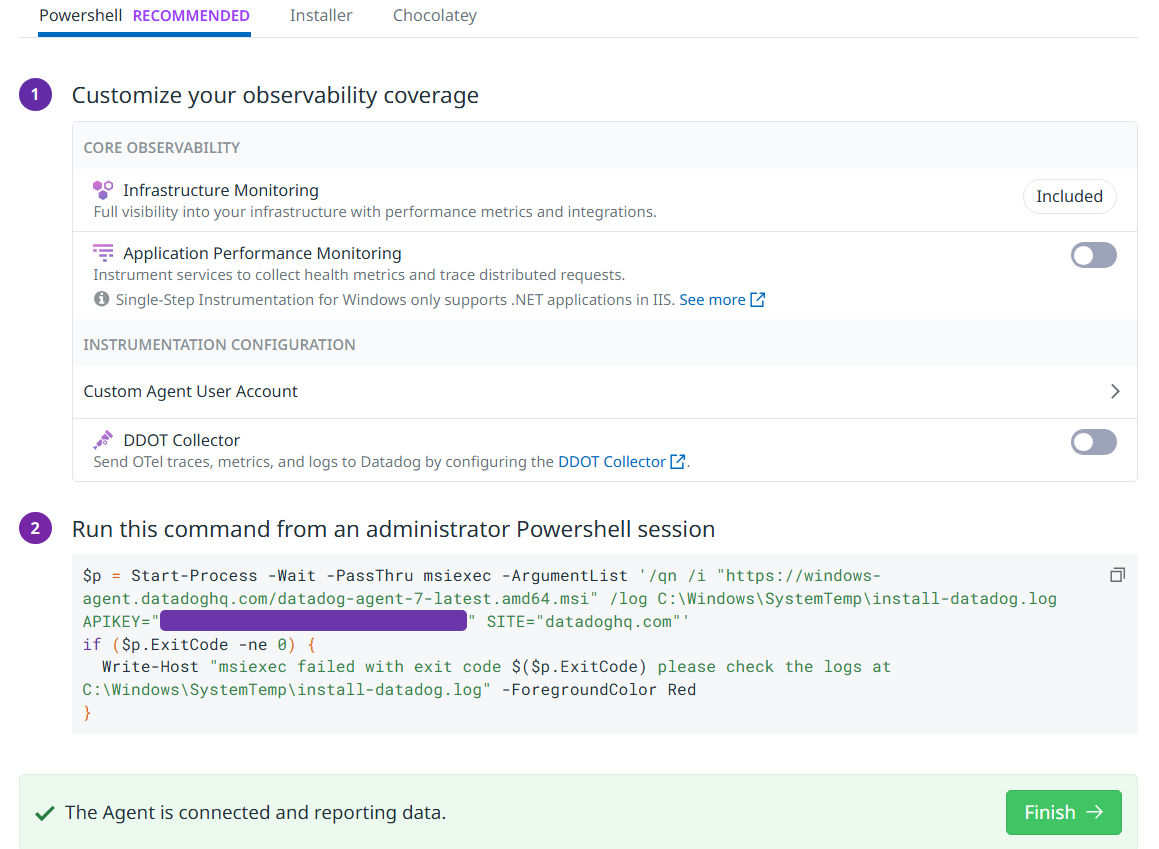
Run the command from an administrator Powershell session and wait for the installation process to finish and the Agent is connected.
Click “Finish” to begin using Datadog.
Setting up API and Application Keys
For more information on Datadog API and application keys, please see https://docs.datadoghq.com/account_management/api-app-keys/. Only an API key is required to use Datadog Sender and Datadog Heartbeat components. Both an API key and application key is required when using certain APIs in the DATADOG library.
Create a new API key
To create a new API key, navigate to API key. API keys are unique to your organization and is required by the Datadog Agent to submit metrics and events to Datadog.
Create a new application key
To create a new application key, navigate to application keys. Application keys can be used in conjunction with your organization's API key to give users access to Datadog's programmatic API.